

Time tracking
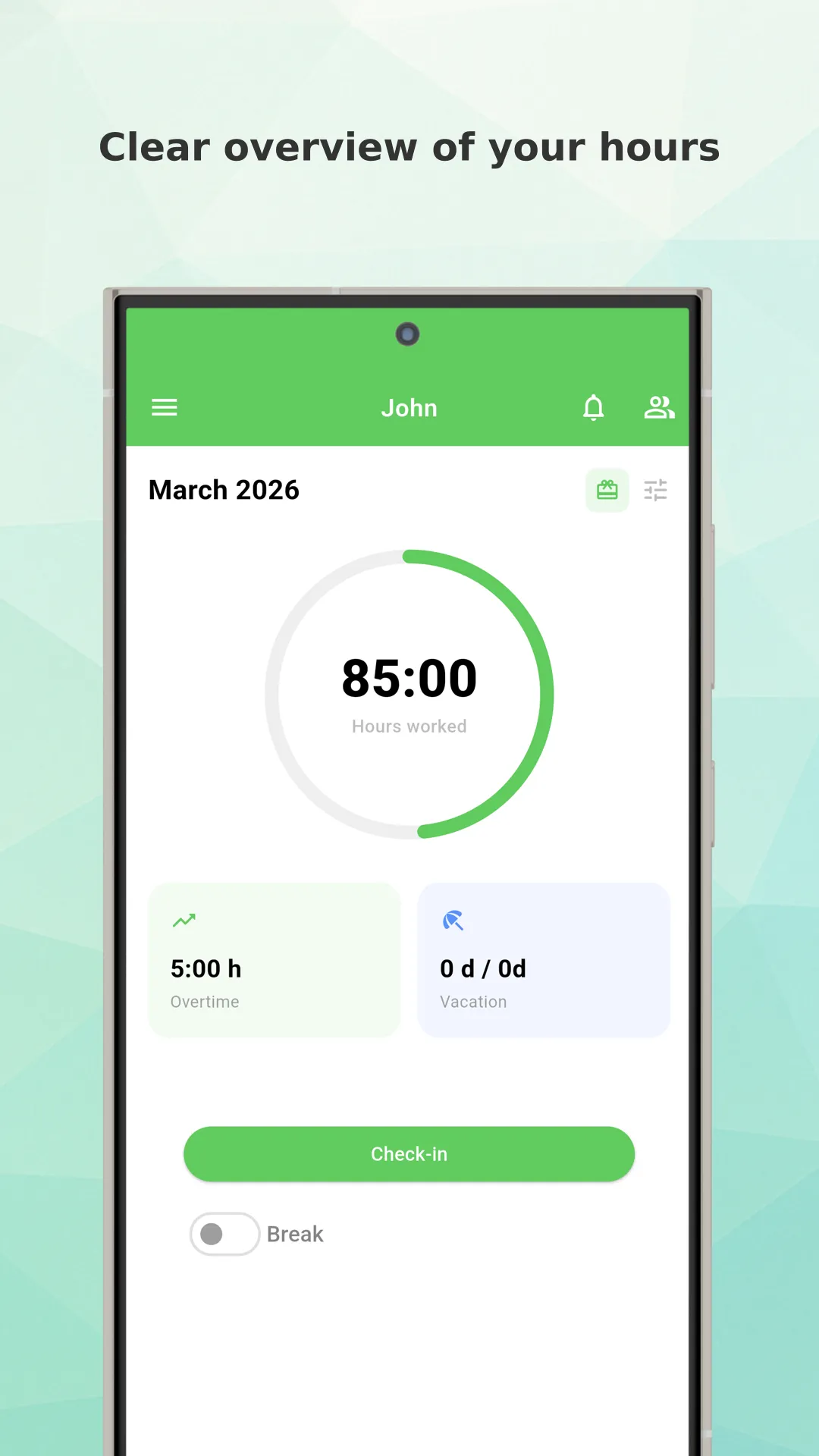
Start and stop your work timer with one tap. Track breaks, overtime, and work hours automatically.
- One-click start/stop
- Break time tracking
- Automatic overtime calculation


Would you like to have a perfect overview of
hours spent at work or any of your project?
Then Working Timer is here for you.
This tool allows you to record worked hours, check earned money or send work report or attendance via email.
We develop the application with emphasis on simplicity and usability.
Suitable for employees, freelancers and companies.
Everything you need to track time effectively for employees, freelancers, and teams
Start and stop your work timer with one tap. Track breaks, overtime, and work hours automatically.
Manage different work profiles for employees, freelancers, or multiple jobs in one app.
Track work locations automatically. Set up geofences to auto clock-in when arriving at work.
Organize work by projects and activities. Allocate time to different tasks for better reporting.
Works without internet connection. Data syncs automatically across all your devices when online.
Access your time tracking from anywhere. Native apps for iOS and Android plus full web dashboard.
Never forget to clock in or out. Get smart reminders based on your schedule and location.
Generate detailed work reports. Export to Excel, PDF, or print for payroll and invoicing.
Create a monthly timesheet from your daily work hours and download it as a PDF or Excel report. It is free and no account is required.
Enter your details and download a PDF invoice. Free, with no account needed.
Just download Working Timer mobile app.
Use our REST API to build custom integrations with Zapier, Make, n8n, or connect directly to your HR, payroll, and project management systems. Automate time tracking workflows with LLM agents.

 Working People
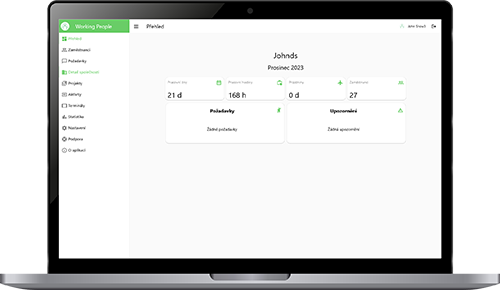
Working People is a solution for companies that want one clear place to manage teams, shifts, attendance, and daily operations.


Choose the plan that best fits your needs
Perfect to get started
Best value for individuals
For teams and companies
Yes! The free plan includes up to 5 profiles, 3 active projects, multi-device sync, and work reports. No credit card required. Upgrade to Standard for unlimited profiles and projects.
Yes. Working Timer is offline-first. Track time without internet connection and data syncs automatically when you're back online across all your devices.
Yes. Export work reports as Excel or PDF files. Send them directly to your employer or accountant via email from the app.
Yes. Our REST API lets you integrate with Zapier, Make, n8n, LLM agents, and custom applications. Supports API key and OAuth 2.0 authentication.
Working Timer runs on iOS, Android, and the web. Your data syncs across all platforms in real-time.
Yes. Create separate profiles for each job with independent schedules, wage rates, and project assignments. Switch between them instantly.
Contact us on email
or use the form